
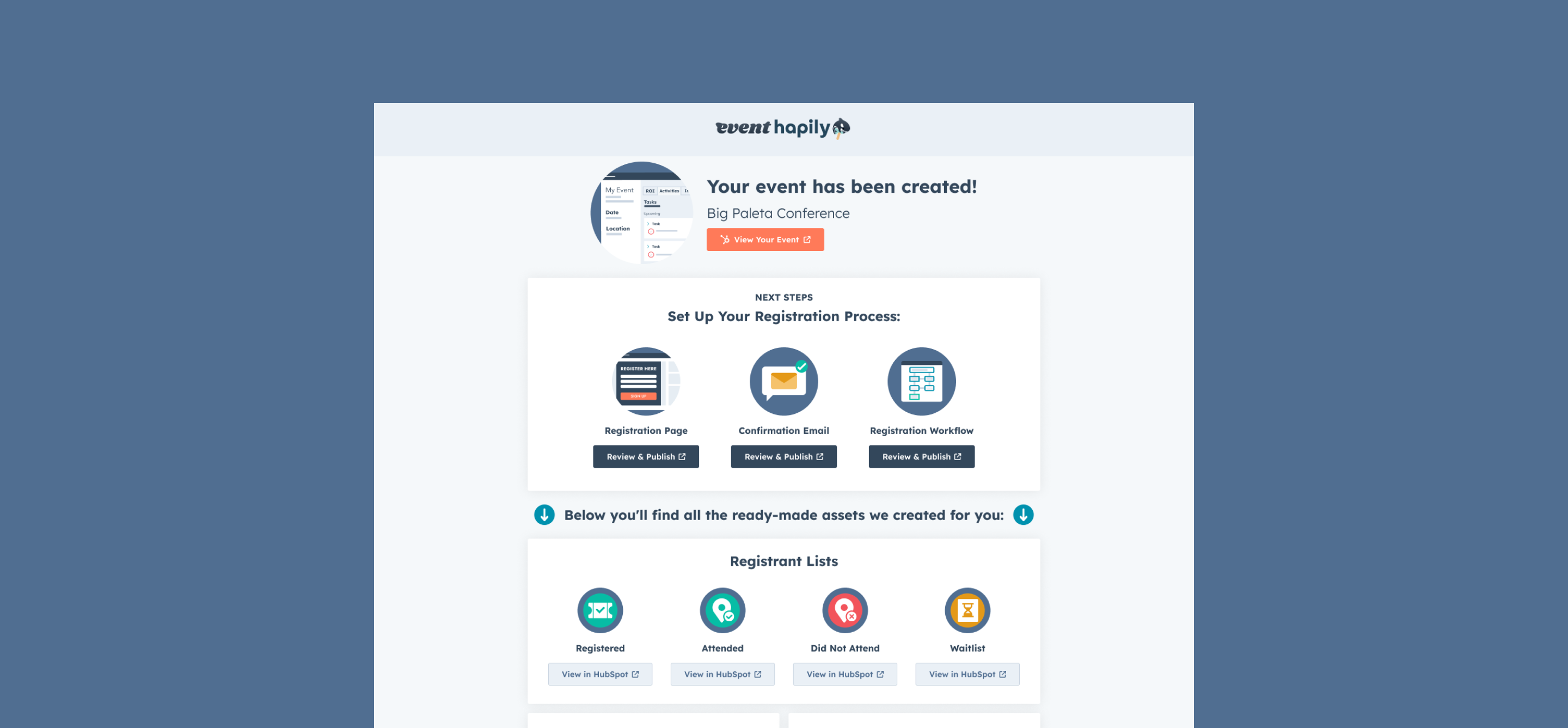
That’s exactly why the event•hapily Event Builder is customizable.
Instead of forcing your team into a one-size-fits-all setup, you can tailor the Event Builder to match how you plan, approve, and manage events right inside HubSpot.
When Teams Customize the Event Builder
Customizing the Event Builder isn’t about adding more fields. It’s about deciding which details are non-negotiable at the moment an event is created.
Here’s where teams typically draw that line.
1. When Certain Details Should Never Be Optional
If your team depends on things like event type, registrant limits, or cost, those shouldn’t live in someone’s memory or get filled in later.
Teams often make fields required when:
-
events need approval before promotion
-
capacity impacts venue, staffing, or experience
-
cost needs to be locked before ROI tracking starts
The Event Builder becomes the checkpoint, not a suggestion.
2. When Different Event Types Need Different Context
A webinar, an executive dinner, and a multi-city roadshow don’t need the same information — but they all need complete information.
Custom properties let teams capture:
-
internal event classifications
-
format-specific constraints like caps or pricing
-
attributes that drive segmentation and reporting
This is how teams avoid forcing wildly different events through the same narrow setup flow.
3. When Clean Data Beats Fast Setup
Fast event creation is useless if the data is incomplete.
By surfacing the right properties during setup, teams avoid:
-
retroactively fixing event records
-
broken workflows that depend on missing fields
-
reporting gaps that show up after the event is over
The Builder shifts cleanup work earlier — when it’s easier and cheaper to fix.
4. When Your Process Doesn’t Fit a Default Form
Some teams always need a featured image.
Others care about internal ownership or event tiering.
Some track cost, others don’t.
Because the Event Builder pulls directly from your hapily Event object in HubSpot, you’re not limited to a predefined schema.
You can surface the fields you already use — or create new ones when gaps appear — and make them part of the standard event creation flow.
Built for Clean Event Data in HubSpot
Customizing the Event Builder is how teams decide what “done” looks like when an event is created.
Once those expectations are set, every event starts from a cleaner, more consistent foundation — without follow-ups, reminders, or manual fixes.
And that’s when event setup stops being loose and starts being reliable.

![[ON-DEMAND WEBINAR] The ELG Advantage: Using Partner Data to Supercharge Your Event Strategy with Crossbeam, HubSpot, and hapily](https://event.hapily.com/hubfs/24-4.png)
.png)